
WordPress Site Health: clean up autoloaded options
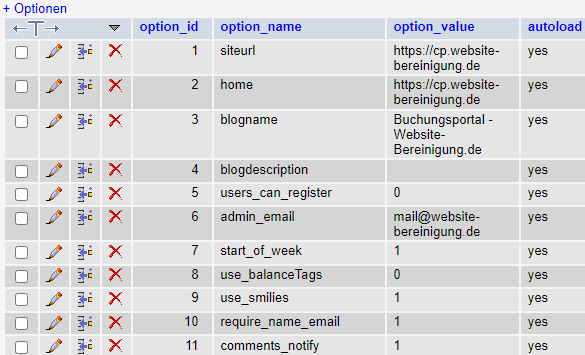 Recently, WordPress Site Health (in the dashboard under Tools) has been warning about too many autoloaded options. WordPress stores most settings in the wp_options table. These are sometimes automatically loaded into memory via the autoload property. Over time, some of these autoloaded options can accumulate - sometimes with considerable size. For better WordPress website performance, it therefore makes sense to optimize the wp_options table from time to time and clear out old clutter.
We explain how you can fix the performance problem.
The following message appears under Tools -> Site Health:
Automatisch geladene Optionen können die Leistung beeinflussen

Automatisch geladene Optionen sind Konfigurationseinstellungen für Plugins und Themes, welche bei jedem Seitenaufruf in WordPress automatisch geladen werden. Sind zu viele automatisch geladene Optionen vorhanden, können sie Ihre Website verlangsamen. Ihre Website hat 1604 automatisch geladene Optionen (Größe: 1 MB) in der Optionstabelle, was dazu führen kann, dass Ihre Website langsam ist. Sie können die Optionen, die von Ihrer Datenbank automatisch geladen werden, überprüfen und alle Optionen entfernen, die von Ihrer Website nicht mehr benötigt werden.
Use plugins for analysis and optimization
The following plugins work well together with manual work in the hosting database administration (phpMyAdmin) to resolve the issue.
Before making any changes to the database, you should definitely create and download a database backup. For example, an UpdraftPlus backup.
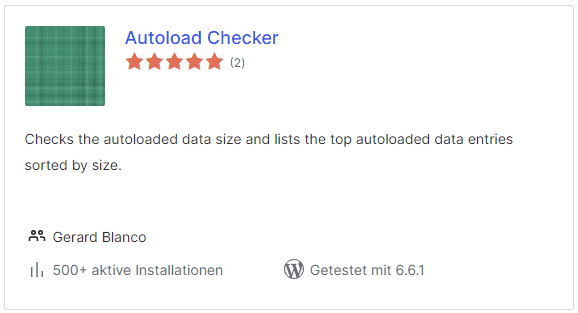
Autoload Checker - overview of the loaded options
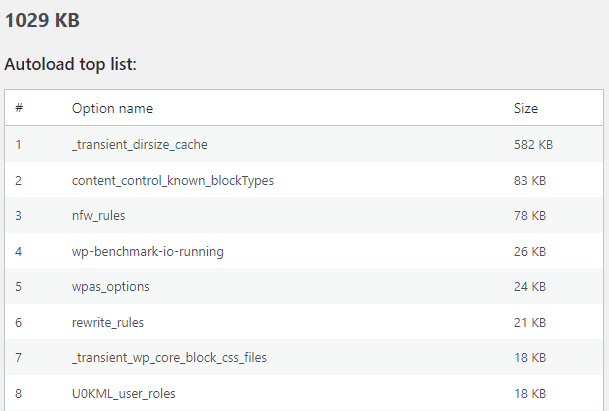
As a lightweight plugin, Autoload Checker provides a good overview of the number, size and name of each option.
In this example, the list was led by _transient_dirsize_cache (autoload not necessary).
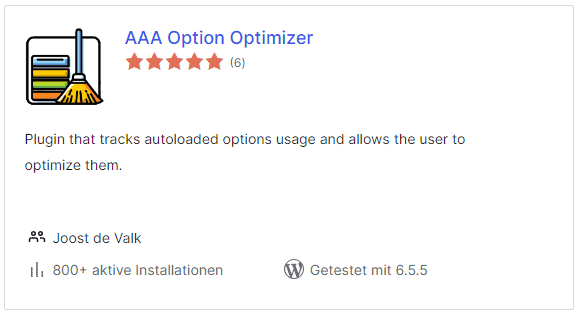
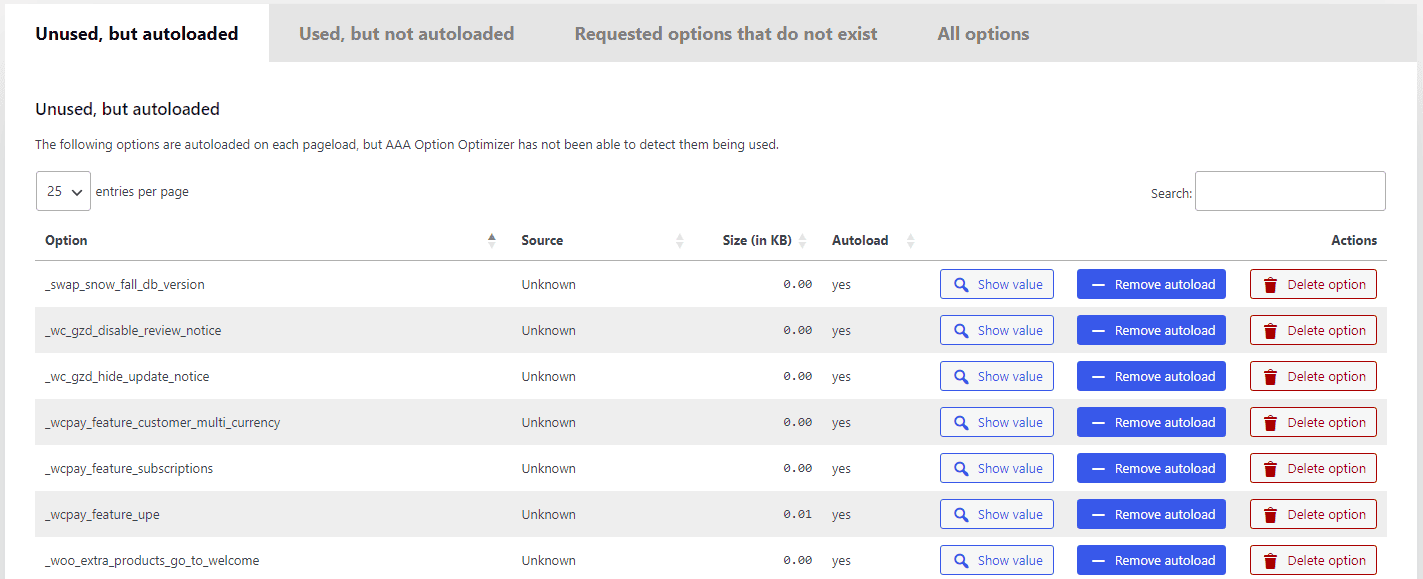
The AAA Option Optimizer refines the analysis and directly lists the unused, "orphaned" options. You can display all autoloaded options and go through them sorted by size.
If you are unsure despite the plugin's unused detection, you can set the Autoload parameter to No with one click. This can be undone if in doubt.
By deleting, deactivating and researching where necessary, autoloaded options can usually be reduced enough for the warning in Site Health to disappear.
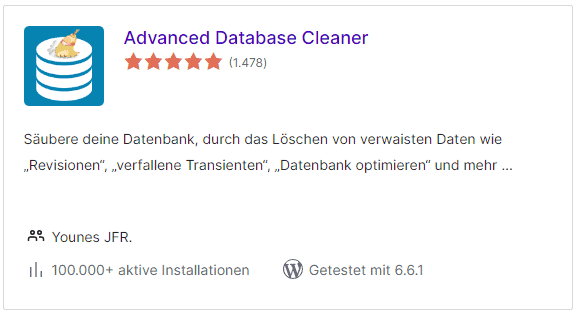
The Advanced Database Cleaner offers convenient analysis and cleanup functions for a wide range of database tables, but the free version is very limited in use.
WordPress services available for immediate booking



- Details
- Last Updated: 16 August 2024
