
Do you want to secure the Joomla admin area with .htaccess password protection? The htprotect plugin does it in 30 seconds via the Joomla Extension Manager: install the ZIP, assign a user name + password - done. After that, the plugin uninstalls itself automatically. Compatible with Joomla 3.10, 4, 5 and 6.
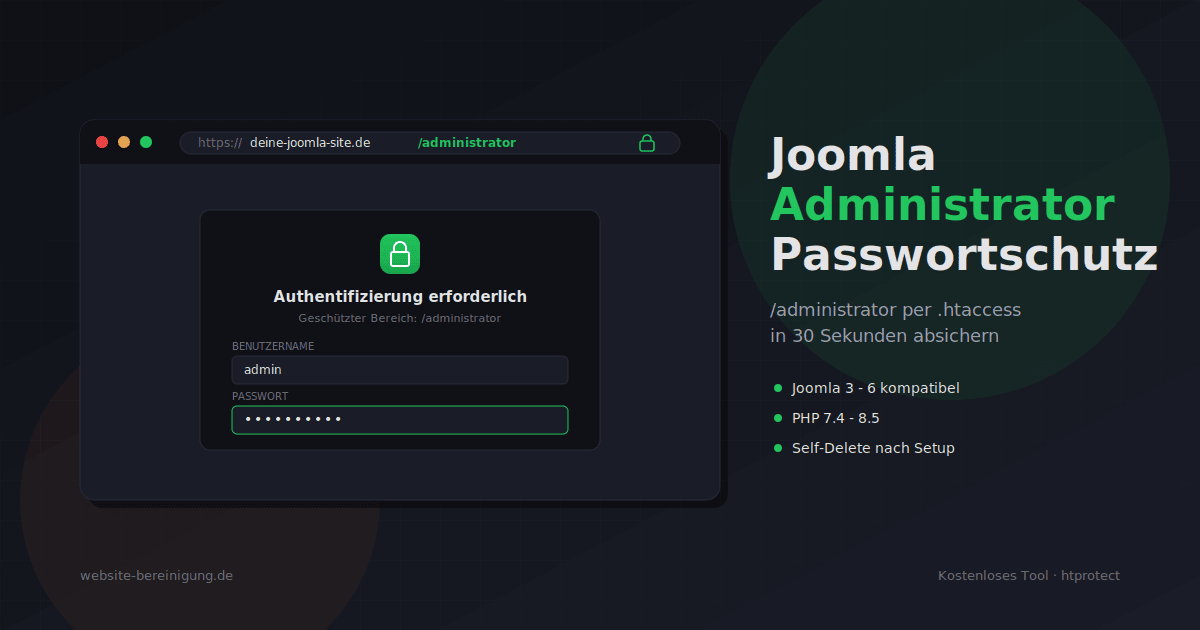
htprotect plugin: login dialog with username and password entry to secure the Joomla /administrator directory via .htaccess

Download plugin

→ htprotect-joomla.zip (approx. 7.5 KB) - free, open source.

Installation in 4 steps

  1. Download ZIP (do not unzip).
  2. In the Joomla backend: Extensions → Manage → Install → upload the ZIP.
  3. After successful installation, click the green "Set up password protection now" button.
  4. Assign user name + password → "Activate protection & remove plugin".

The next time you open /administrator, the password prompt appears before the Joomla login.

What the plugin does in the background

  • Creates .htaccess and .htpasswd in the /administrator directory.
  • Automatically selects the appropriate hash method (APR1-MD5 or Bcrypt) - depending on what your Apache supports.
  • Generates the password hash directly on your server - the plain-text password never leaves your hosting.
  • Uninstalls itself after successful setup - no plugin code is left behind.

Tip

Do not use the same login details for htaccess protection as for the Joomla login. The point of the second door is that it is independent.

Don't want a plugin?

The tool is also available as a standalone PHP script: htprotect.zip simply upload via FTP to /administrator, open it in the browser, set up protection - the script then deletes itself. It also works outside of Joomla, e.g. for subdomains and staging environments.

More than just the admin area? HTProtect Server Shield
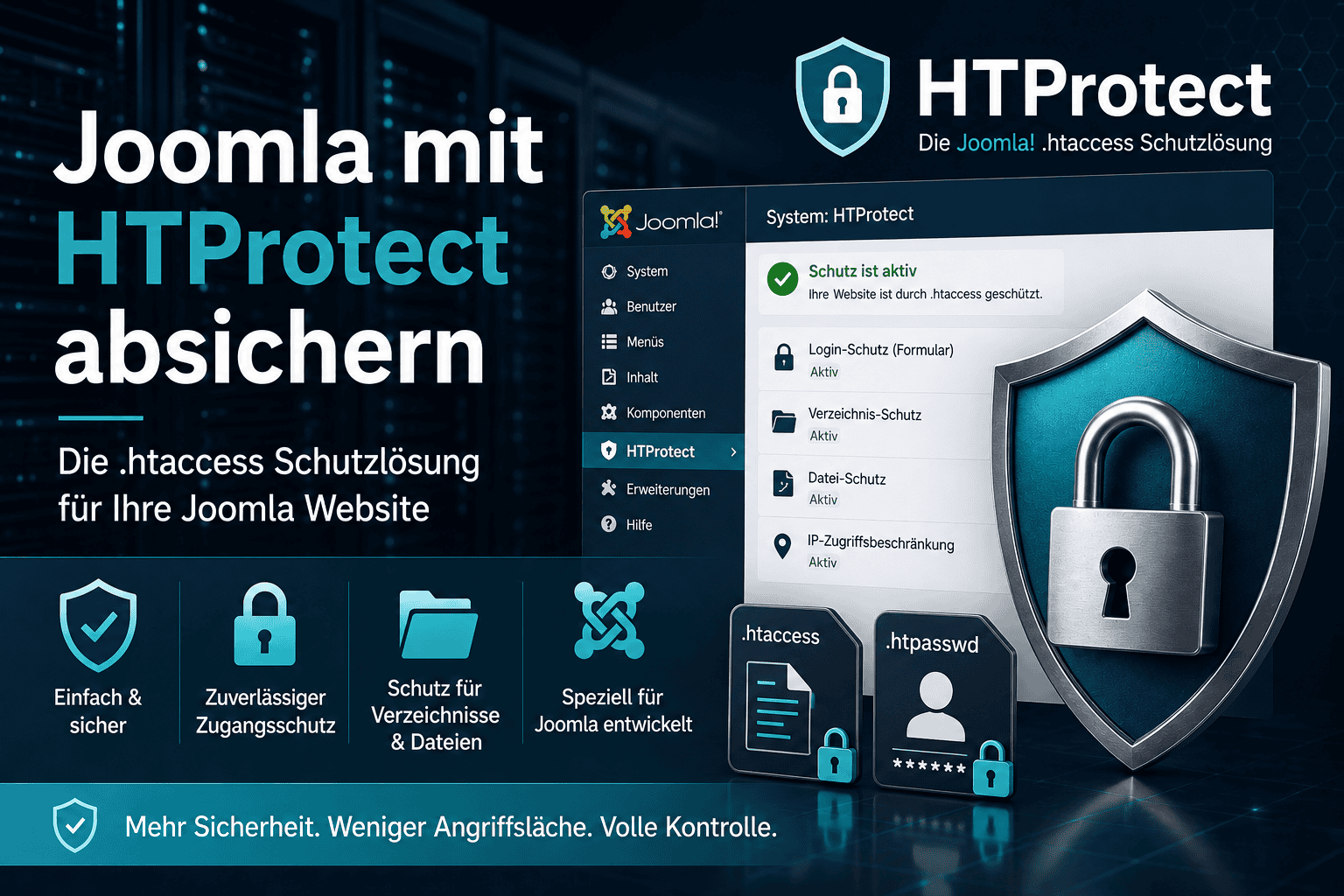
HTProtect Server Shield - free Joomla component for comprehensive protection via .htaccess

This tool secures one door in particular: the login to /administrator. If you want to secure the entire site, the free HTProtect Server Shield is the full version. The Joomla component (2.5 to 6) hardens the complete installation via .htaccess.

In short, what it can additionally do: block PHP execution in upload and media folders, lock down sensitive files such as configuration.php and .env, set security headers, defend against known Joomla attacks (for example against JCE) via .htaccess and a real-time firewall, and warn you by email as soon as an installed extension is known to be vulnerable. → View HTProtect Server Shield

Has your Joomla backend already been compromised? Go here for Joomla emergency help.

Never miss another security update!

Additional offers

Customers about us

„The conversion of our Joomla website from PHP 5.3 to PHP 7 was super fast, affordable, and with impeccable results. Very good and friendly communication.“
– H. Bergmann

„Within one day, everything was done extremely professionally and extremely quickly. Very trustworthy. Excellent. 5 stars“
– Fernando V.

„I was unable to help myself, but here I found the expertise needed to get everything cleaned up again. Necessary updates and backups were carried out, everything was extremely affordable, fast, and good!“
– Klaus-Peter

„The site looks great – everything as before – and on PHP 7.2 – I am impressed - many heartfelt thanks!“
– Dr. Ingo Wuddel

„Since we run an online shop, it was very important to us that our site was quickly available again with full functionality for our customers. All work is carried out extremely quickly to our complete satisfaction.“ – Loewen Handels GmbH

„Very fast, reliable, and effective handling of the problem. In addition, I was given tips and Strato-specific information to reduce the risk of the problem recurring.“
– Heino B.

„The contact was exceptionally friendly, and some cosmetic additional work was taken care of on its own - as if it were completely natural. I am relieved and very grateful.“
– R. Mayer

„Great. In an absolute emergency, after 2 domains were blocked by Strato due to a hacker attack, both domains were initially temporarily back online the same day.“
– I. Radchenko

„Excellent service. Problem solved within 18 hours. We are delighted. Thank you very much 🙏“
– Tien Sy Vuong

Website-Bereinigung.de Support Service Google Reviews

Contact options

This email address is being protected from spambots. You need JavaScript enabled to view it.
Contact form

Schedule a call
+49 (0)2406 969796
Mon. - Fri. | 9 am - 9 pm
