
Attack on your IONOS account: What the email means and what to do now
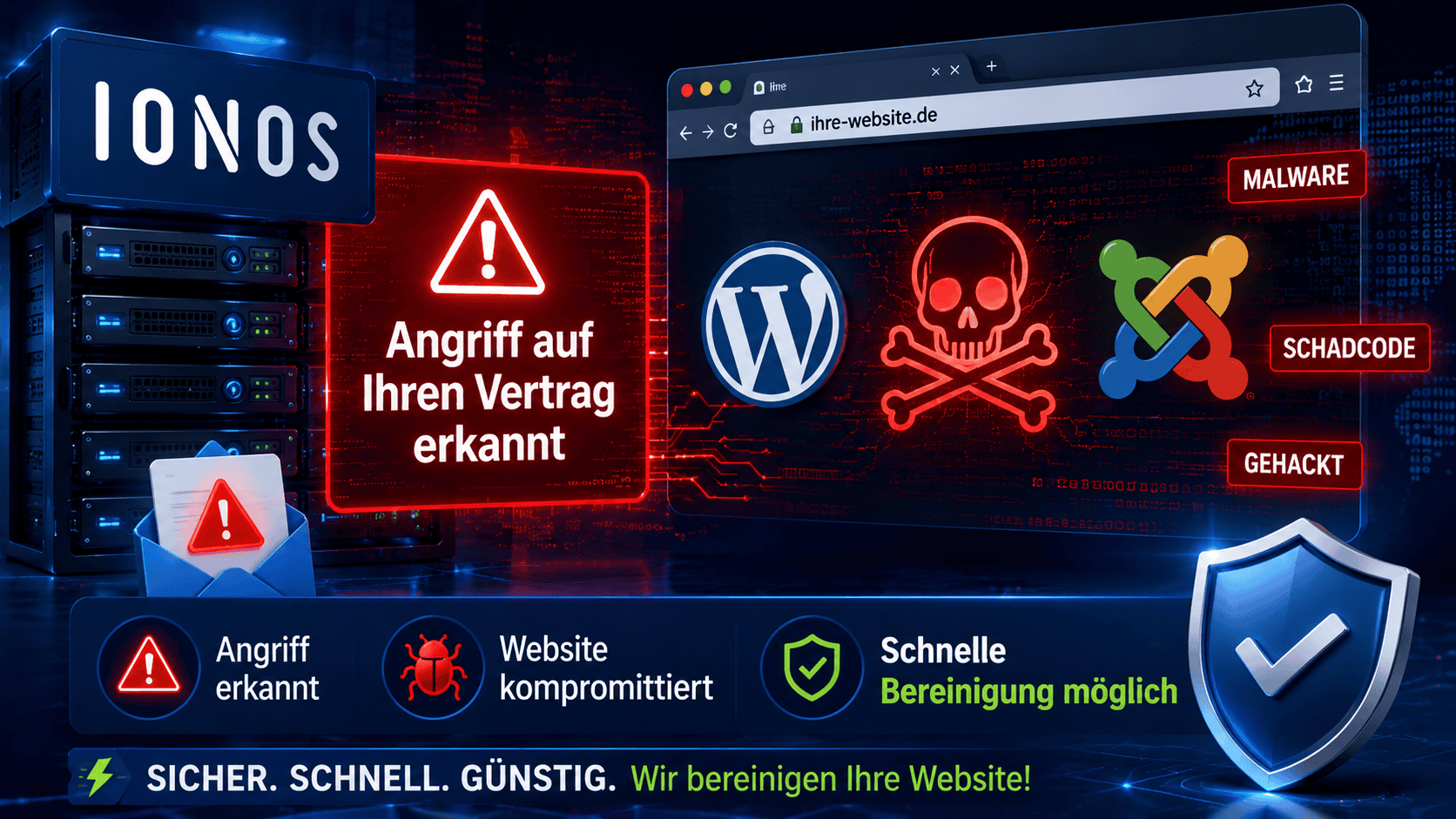 Just received an email with the subject "Attack on your IONOS contract"? First, the good news: this email is usually genuine and really does come from IONOS. The IONOS virus scanner has found a malicious file on your webspace and blocked it from running. Bad news: if the scanner triggers, your site is very likely already hacked - and the one blocked file is usually just the tip of the iceberg. Here you will learn what the email really means, what IONOS does (and does not do), and which steps will actually get your webspace clean again.
Contents
Is the email "Attack on your IONOS contract" real or phishing?
This is the first question almost everyone asks - and it is a fair one. An email with "Attack", your customer number and a dramatic subject line initially sounds like fraud. In this case, however, the message is almost always genuine: it is the automatic security notification from the IONOS anti-virus scanner, sent as soon as a modified or newly uploaded file on your webspace is classified as malicious.
Still, you should never click a link in such an email blindly. There are also phishing emails that imitate this exact IONOS layout. Here's how to tell the difference in 30 seconds:
How to recognize the real IONOS email:
- Absender ist
This email address is being protected from spambots. You need JavaScript enabled to view it., und im Mail-Header stehen bei SPF, DKIM und DMARC jeweils "pass". - The email states your correct customer number and contract number, as well as a specific file path on your webspace (for example
/homepages/34/d6xxxxxxxx/htdocs/...). - It does not request a password or payment details and does not push you to log in immediately via a button.
Warning signs of phishing: an unfamiliar sender domain, a link that does not lead to ionos.de, a request to enter login credentials, spelling mistakes, no specific file path. If in doubt, ignore the email and log in manually via ionos.de - not through the link in the email.
Which IONOS email did you receive? The three types at a glance
Under similarly worded subject lines, IONOS and scammers send very different messages. Here's how to classify your email:
- "Attack on your IONOS contract" / "malicious file detected": genuine. This is the automatic message from the virus scanner with a specific file path - that is what this article is about.
- "Unusual sending behavior" / "email sending blocked": also genuine. IONOS has noticed spam being sent via your webspace and has blocked email sending - usually the result of the same hack caused by an injected mailer script. Here too, simply unblocking is not enough; the cause must be removed.
- "Outstanding invoice" / "payment failed" / "confirm account" with a login button or attachment: phishing. IONOS will never ask you to enter login credentials via a button or HTML attachment. Do not click it; delete the email.
Bottom line: the email itself is usually harmless and legitimate. The real problem is not in the email, but on your webspace.
What the email is saying in plain language
Behind the dramatic subject line is a factual message. In essence, it says:
A few minutes ago, our anti-virus scanner detected a malicious file on your IONOS webspace.
or in another common variant: A few minutes ago, our anti-virus scanner detected that a malicious file was uploaded to your webspace.
You can find the file on your webspace at the following path: ... followed by the specific path, your customer number, and your contract number.
IONOS then names the exact path of the file (often a cryptically named index.php or a random filename deep in the web root), your customer number, and your contract number. It also explains that the scanner checks every modified or newly uploaded file and, if there are signs of an attack, prevents execution and changes the file permissions so the file can no longer be accessed.
IONOS also points out that detection continues and that you will receive further emails if more malicious files are found and blocked. This exact sentence is the most important one in the entire email - more on that in a moment.
What IONOS does - and what IONOS does not do
IONOS is among the hosters with an exemplary, careful approach to such findings. Instead of blocking the entire webspace (which other hosters do), the affected file is specifically neutralized. That is customer-friendly - but it should not give you a false sense of security. The distinction is important:
This is what IONOS does:
- the detected file is blocked (execution prevented, file permissions changed)
- the scan continues and reports additional findings by email
- you receive specific instructions on what to do
This is what IONOS explicitly does not do:
- IONOS does not remove the malware - the file is only neutralized, not deleted
- IONOS does not find the cause, meaning the vulnerability through which the attacker got in
- IONOS does not clean up the remaining hiding places - backdoors, manipulated databases, and planted admin users remain untouched
In other words: IONOS closes one open door, but it does not do the cleanup for you. That remains your job - and that is where the real work begins.
The blocked file is only the tip of the iceberg: why your webspace is still hacked
The most common and costly mistake is to delete the file mentioned in the email and consider the matter resolved. In practice: when the scanner finds a malicious file, it is almost never the only one. A successful attack typically leaves behind an entire web of:
- web shells and backdoors in multiple places, often disguised as harmless image or cache files so that access remains even after one file is deleted
- manipulated core files of WordPress or Joomla into which malicious code has been injected
- hidden admin users in the database that protect themselves against deletion
- SEO spam (for example the well-known Japanese keyword hack) or redirects to dubious pages that are shown only to search engines and foreign visitors
- Mailer scripts that abuse your webspace for sending spam - with the risk that your domain ends up on blacklists
That is why IONOS refers to "additional emails": the scanner keeps finding more and more fragments over time. You cannot keep chasing and deleting them one by one. As long as the root cause remains open and even one backdoor is left behind, the attacker can rebuild everything. A hacked website is not repaired file by file, but fully cleaned and then secured.
The three IONOS recommendations - correct, but not enough on their own
IONOS recommends three steps in the email. They are all correct and sensible - they are just not enough to clean up a website that has already been hacked. Here is the classification:
1. Update the CMS (WordPress or Joomla incl. plugins and themes)
Absolutely right, because an outdated extension is by far the most common entry point. But: an update closes the vulnerability for the future; it does not remove any existing malicious code. Anyone who only updates ends up with a current - and still hacked - website.
2. Check your own computer with an antivirus scanner
Makes sense, because login credentials can also be stolen via an infected PC or an FTP client. Do that, but do not expect it to solve the problem on the server.
3. Change passwords
Important - and more thoroughly than most people think. Not just the IONOS login, but all secrets the attacker may have seen: FTP and SSH access, the database password (in wp-config.php or configuration.php), CMS administrator accounts and API keys. In WordPress, the security keys (salts) should also be renewed so that all existing sessions become invalid.
The sequence that really cleans things up
- Secure, do not delete. Existing findings and logs are evidence. Back up first, then act.
- Find the entry point. Use the access logs to trace when and how the attacker got in - otherwise you are patching blind.
- Clean up completely. Remove all malicious code, not just the reported file: file system, core files, database, hidden users.
- Reset all secrets. FTP, SSH, database, CMS admins, salts. Only after cleanup, otherwise the attacker will capture the new ones right away.
- Update and harden. Update CMS, plugins and themes, then secure them (block PHP execution in upload directories via .htaccess, forbid external database access, protect the backend).
- Follow-up check. Scan again, check Google Search Console for leftover spam, and monitor it for a few days.
File permissions 604 and 705: What IONOS changed on the file
To neutralize the reported file, IONOS changes its file permissions so that it can no longer be executed or accessed. That explains why parts of the site often stop working properly or show errors after such an email. The IONOS instructions state that the permissions should be set back to the usual values after cleanup: 604 for files, 705 for directories.
The order is crucial: only restore the permissions once the file is truly clean. Simply making a file that was detected as malicious executable again only brings back the attacker's code. If in doubt, such a file is not reactivated but removed after inspection or replaced with the clean original - and only then are the legitimate files given their normal permissions again (604 for files, 705 for folders).
IONOS and WordPress hacked
If your IONOS webspace is running WordPress, the usual suspects behind a scanner finding are an outdated plugin vulnerability, a hidden admin user that was planted, the Japanese SEO spam hack, or redirect malware that sends your visitors to other sites. How to identify, clean up, and secure a hacked WordPress site step by step is explained in detail here: WordPress hacked - emergency help and cleanup.
IONOS and Joomla hacked
With Joomla on IONOS, outdated extensions are the typical cause - for example, an old editor or framework component with an upload vulnerability that is used to upload a web shell. The same applies here: after a finding, updating alone is not enough. You can find the complete guide for a hacked Joomla installation here: Joomla hacked - emergency help for malware, spam and redirects.
Would you rather have someone clean it up directly who does this every day?
A scanner finding at IONOS means there is real action needed - but no drama if you know what to do. Two options: have it fully cleaned once, or stay on the safe side for the long term.
Malware cleanup
I completely clean up your IONOS webspace: malicious code removed, the cause closed, access credentials reset, site hardened. With a 6-month guarantee.
- ✓Complete removal of malware & backdoors
- ✓Find & close the entry point
- ✓Security hardening included, 6-month guarantee
Security Flat Rate
Cleanup plus ongoing updates, monitoring and prioritized immediate help - so the next scanner finding never happens in the first place.
- ✓Ongoing updates & monitoring
- ✓Priority immediate help in an emergency
- ✓Can be canceled at any time, no risk
Not sure whether anything really happened? Send me a quick message with your domain - I will take a look at the finding and tell you honestly whether a single update is enough or a cleanup is needed.
By the way: If you receive such an email not from IONOS, but from another host, the companion article will help you: Webspace at ALL-INKL hacked - virus found in the account. And if you want to check yourself whether something is wrong: WordPress Malware Scanner - Online Virus Scan Tools.
FAQ: Attack on your IONOS contract
Is the email "Attack on your IONOS contract" real or phishing?
In aller Regel echt. Es ist die automatische Sicherheitsmeldung des IONOS Virenscanners. Erkennbar an Absender This email address is being protected from spambots. You need JavaScript enabled to view it., bestandenem SPF/DKIM/DMARC im Header, deiner korrekten Kunden- und Vertragsnummer und einem konkreten Dateipfad. Logge dich zur Kontrolle trotzdem direkt über ionos.de ein, nie über einen Link in der Mail.
What does "malicious file detected on your IONOS webspace" mean?
The IONOS anti-virus scanner has found a file on your webspace that it classifies as malicious code - usually a web shell or a backdoor script. It has blocked execution and changed the file permissions. The file is therefore temporarily harmless, but not removed, and the cause has not been fixed.
Is it enough to delete the file blocked by IONOS?
No. The reported file is almost never the only one. An attacker typically creates multiple backdoors and manipulates the database and core files. If only that one file is deleted, the malicious code will come back through the other hiding places. What is needed is a complete cleanup, including closing the entry point.
Do I need to change my passwords after the IONOS email?
Yes. Change not only your IONOS login, but all access credentials that may have been compromised: FTP, SSH, the database password, the CMS administrators, and API keys. For WordPress, also renew the security keys (salts). Important: reset them only after the cleanup; otherwise the attacker will immediately steal the new data again.
My IONOS webspace has been hacked - how much does the cleanup cost?
A one-time malware cleanup with hardening and a 6-month guarantee is available at a fixed price; if you want long-term protection, choose the security flat rate with ongoing updates and monitoring. Send me your domain, and after a quick look at the finding I will tell you the right option.
What do file permissions 604 and 705 mean at IONOS?
IONOS changes the permissions of the detected file so that it can no longer be executed. As the normal values after cleanup, IONOS specifies 604 for files and 705 for directories. Important: only reset the permissions once the file is clean, otherwise the malicious code becomes active again.
Why am I getting several such IONOS emails in a row?
Because the scanner keeps running and gradually finds and blocks more malicious files. That is exactly the signal that it is not just a single file and that the site is broadly infected. Every new email confirms it: this needs a complete cleanup, not just isolated deletions.
Briefly summarized
The email "Attack on your IONOS contract" is genuine, not phishing - but it is also not just a formality. The IONOS virus scanner has blocked a malicious file; your site is therefore highly likely to be hacked and the blocked file is only a symptom. IONOS neutralizes, but does not clean up. The three recommended steps (update the CMS, check the computer, change passwords) are correct, but they only close the door and do not remove the existing malicious code. What really helps: find the cause, clean up completely, reset all access credentials, and harden the site. If you do not want to do that yourself, I can take care of it.
Did this article help you? If you have any questions, want to add something, or are unsure whether your site is affected - feel free to write it in the comments or contact me directly.
- Details
- Last Updated: 09 June 2026
