
Securing Joomla: The Practical Guide for 2026
 Securing Joomla sounds like a huge project, but it is not. Most hacked sites that end up with us were not taken down by some brilliant attack, but by an outdated plugin, a weak password, or an open .htaccess. If you do a handful of things right, you already stop the majority of automated attacks. That is exactly what we will walk through here, in the order that actually makes a difference.
Updated: 12 June 2026
Contents
Why Joomla sites are attacked in the first place
As soon as a security vulnerability becomes known, botnets automatically target it on tens of thousands of sites at the same time. No one is sitting there and deliberately picking your site; this is mass business. It simply affects whoever happens to have a vulnerable site. That is actually the good news: you do not have to be a security expert to fall out of that group. You just need to make sure the typical entry points are closed. And there are surprisingly few of them.
Updates: the most important step of all
If you take just one thing from this article, let it be this: keep Joomla and, above all, your extensions up to date. You can update the Joomla core itself in the backend with a single click, and these days it is, thankfully, rarely the problem. Since the major object injection incident at the end of 2015, which affected Joomla up to version 3.4.5 and led to an emergency update, the Joomla Security Strike Team has had a good handle on core security; serious core vulnerabilities have since been the exception. Still, activate the included plugin System - Joomla! Aktualisierungsmitteilung, so Super Users receive an email as soon as a new version is available.
When it comes to versions, it is worth taking a clear look: Joomla 6 is current, with version 6.1 from April 2026 as the latest release line, and Joomla 5 is also still being maintained in parallel until October 2027. Joomla 4 reached end of life in October 2025. Joomla 3 has officially been end-of-life since August 2023, but anyone still running it is not left out in the cold: the community project Joomla 3.10.999 continues to backport important security patches and thus keeps even a Joomla 3 site securely protected. It is a solid bridge until you make the move to Joomla 5 or 6, and our Joomla Update service can help you with that.
Extensions: the real attack surface
If the core is well secured, the question remains: how do attackers get in then? Almost always through third-party extensions. What plugins are in the WordPress environment are extensions in Joomla, and they are by far the biggest attack surface. Unlike the core, there is no central quality control here, anyone can publish, and the quality varies accordingly. In the recent past alone, there have been serious vulnerabilities in the editor JCE, in the Astroid Framework, and in the Tassos and Novarain Framework; all three were massively exploited automatically after becoming known.
Two things reliably protect you here. First: keep the extensions just as consistently up to date as the core; in practice, that is even the more important part. Second, and this is often forgotten: get rid of everything you do not need. Every unused plugin, module, or template is a potential vulnerability, even if it is only disabled. Uninstall instead of disabling. The less is installed, the smaller the attack surface. A good overview of reported insecure extensions is provided by Joomla's official Vulnerable Extensions List (VEL).
Secure admin accounts and the backend
Anyone who gets into the backend has the whole site. That is why the effort pays off most here. Three steps:
Rename the default user admin to something unpredictable. That alone stops any bot that blindly tries admin. Set a long, unique password, preferably 16 characters or more from a password manager. And enable two-factor authentication, which Joomla includes by default since version 4. Even if your password leaks somewhere, nobody gets in without the second factor.
The most effective protection for the backend, however, is a second lock in front of it: password protection directly on the /administrator directory via .htaccess. That means an attacker hits the server door long before Joomla even starts. How to set this up in two minutes is shown step by step in the article Joomla Administrator Passwortschutz.
The .htaccess as a doorman
The .htaccess is the control file of your web server and defines which requests are allowed through at all. The most important step here: prevent PHP from being executed in your upload folders such as images, media or tmp. Because the real problem after an upload is not the file itself, but that it can run as a program.
<FilesMatch "\.(php|phtml|php[0-9])$">
  Require all denied
</FilesMatch>
Honestly: on well-configured servers, like the ones major hosting providers usually use today, a PHP file disguised as an image would not be executed anyway. I still would not rely on that. Server configurations differ, they change during a move or PHP switch, and from the outside you cannot see exactly how your host has configured it. This block costs nothing and makes you independent of how the server underneath works. That is exactly the point: an additional lock, not the hope that everything is already set up correctly.
Set file permissions correctly
Incorrect file permissions are an underestimated risk. As a rule of thumb: directories set to 755, files to 644. The configuration.php with your database credentials deserves special caution; in normal operation it should be set to 444, meaning read-only. You never need 777 on anything. If an extension requires that, it is a warning sign, not a reason.
HTTPS, firewall and brute force
An SSL certificate is free with practically every host today, and an unencrypted site has no excuse in 2026. In the Joomla configuration, then enable SSL enforcement for the entire site so that no one can slip through unencrypted anymore.
If you want a more comprehensive setup, add a full security extension. Admin Tools and RSFirewall include a Web Application Firewall that blocks typical attack patterns before they reach Joomla, plus brute-force protection for the login. If you want to keep it lean, at least limit login attempts and block IPs after several failed attempts.
Backups: your lifeline
No backup, no pity, as the old saying goes in the Joomla world, and it is true. Even if everything else is in place, a backup can get you back online in an hour in an emergency instead of days. Akeeba Backup has proven reliable. Three things are important: the backup must not be stored on the same server, because if that server is compromised, the backup is suspicious too. Keep multiple versions, not just the latest one, because a hack is sometimes only noticed weeks later. And test at least once whether a backup can really be restored. We have described how this works with Akeeba and Kickstart here: Restore Akeeba Backup.
Still hacked? Here is what to do
There is no such thing as 100 percent security. If it happens to you, staying calm is more important than rushing. Take the site offline, back up the log files first, and do not restore an old backup without first finding and closing the vulnerability, otherwise you will be back at the same point in two weeks. Anyone who misses a backdoor brings the attacker back with the restore. If you are unsure or it has to be done quickly, we take care of the cleanup of hacked Joomla sites completely, including root cause analysis and hardening afterward.
Frequently asked questions
Is it enough to just update Joomla?
No. The core is rarely the problem today. Most attacks come through outdated third-party extensions, and you need to keep those up to date just as consistently.
Do I need a security extension?
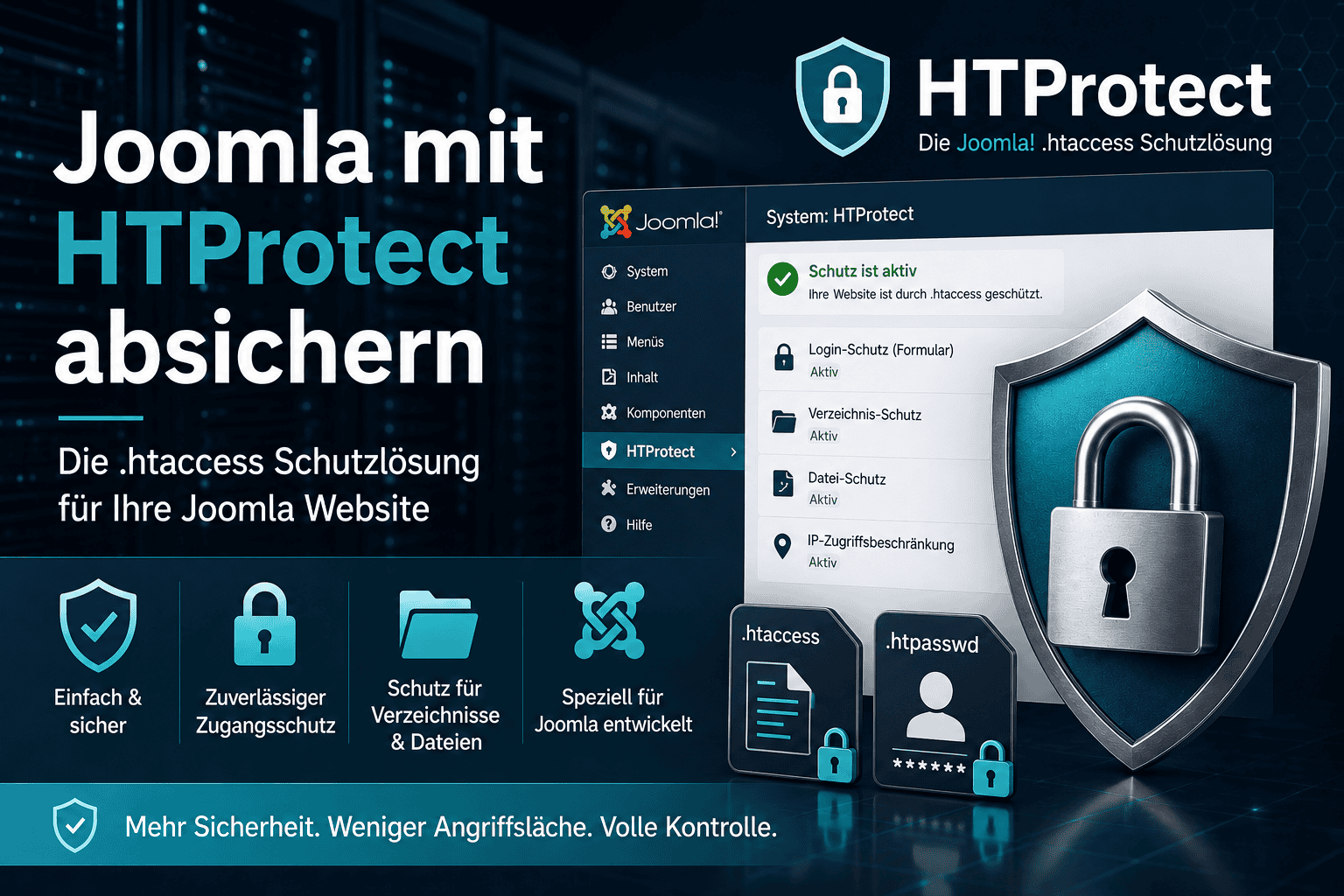
That depends on your requirements. For the core hardening, meaning a watertight .htaccess plus warnings about vulnerable extensions, the free HTProtect Server Shield is sufficient. If you also want a full-featured Web Application Firewall with brute-force protection, audit logging, and many fine-tuning options, a comprehensive suite like Admin Tools or RSFirewall is a good fit. Running both in parallel brings little benefit, because the .htaccess functions overlap, so choose one or the other depending on your needs.
Is Joomla less secure than WordPress?
From my experience, definitely not, quite the opposite. For years, almost exclusively hacked WordPress sites ended up on my desk. That Joomla recently had several major vulnerabilities in quick succession was more bad luck and is probably also linked to the rapid development of AI, which makes it easier for attackers to find weaknesses. How secure a website is ultimately depends mainly on how well it is maintained, but personally I would describe Joomla as the secure system.
How do I tell whether my Joomla site has been hacked?
Typical signs are unknown administrator accounts, unfamiliar PHP files in folders such as media, images or tmp, sudden redirects to suspicious sites, spam entries in the Google index, or a warning from Google or your host. If you notice something like that, take the site offline if in doubt and check it before you continue.
How often should I check for updates?
Ideally, you should have automatic notifications and respond to security updates on the same day. With critical vulnerabilities, every hour counts because automated attacks start immediately.
Questions or something unclear? Feel free to write it in the comments below the article.
- Details
- Last Updated: 12 June 2026
