
Joomla Security Extensions Compared: Admin Tools, RSFirewall & HTProtect (2026)
 Joomla Security Extensions are available by the dozen in the directory - but when things get serious, everyone talks about the same four: Akeeba Admin Tools, RSFirewall, Securitycheck Pro, and our own HTProtect. So upfront: yes, we are also comparing our own tool here, and yes, we will tell you at the end what we recommend. In between, you will get a table and assessments you can verify line by line - what each extension can do, what it costs, and where its limits are. And why the real question in 2026 is no longer "firewall or scanner?", but: who protects my sites and keeps an eye on them centrally?
Contents
What really matters in a Joomla Security Extension
Before we compare, here is the benchmark. A security extension worthy of the name must do five things in 2026:
- Block attacks: a Web Application Firewall that catches SQL injection, XSS, and file uploads - and keeps its rules up to date when the next vulnerability becomes public. A WAF with rules from 2023 is just decoration.
- Find infections: a malware scanner with signatures and heuristics that finds web shells, backdoors, and eval loaders even when the site is already infected. That is something different from a file change scanner - more on that in a moment.
- Harden: .htaccess in the root directory, PHP blocking for the upload folders, password protection for
/administrator. Unexciting, but it stops a large share of automated attacks. - Keep vulnerable extensions under control: outdated extensions are by far the most common reason Joomla sites get hacked. A good solution detects them - a very good one updates them securely and automatically.
- Keep an overview: from the second site at the latest, you need a central view of status, findings, and pending updates. Waves like the current ones around JCE and SP Page Builder always raise the same question first: Which of my sites is actually running this?
And there is one thing none of the four solutions can do, no matter what the marketing promises: they do not replace updates. Anyone who lets their Joomla and its extensions rot will still get hacked with a firewall - just a little later. The basics are covered in the practical guide to securing Joomla.
The four candidates at a glance
Four solutions set the standard in practice: Akeeba Admin Tools, RSFirewall, Securitycheck Pro and HTProtect. The table shows the status as of July 2026 according to the manufacturers; list prices without promotions and bundle discounts.
| Function | Admin Tools | RSFirewall | Securitycheck Pro | HTProtect |
|---|---|---|---|---|
| All protection features free of charge | – (Core heavily reduced) | – | – (Basic reduced) | ✓ |
| Web Application Firewall | Pro | ✓ | ✓ | ✓ (exploit shield) |
| Malware scanner with signatures | – (change scanner, Pro) | ✓ | ✓ | ✓ (including database) |
| .htaccess hardening in the root directory | Pro (.htaccess Maker) | – | – | ✓ |
| Secure /administrator | ✓ | ✓ (backend password) | ✓ (secret key) | ✓ (.htaccess password) |
| Detect vulnerable extensions | – | – | ✓ (own database) | ✓ (vulnerability radar) |
| Automatically update vulnerable extensions | – | – | – | ✓ (secured) |
| Central dashboard for multiple sites | separately (Panopticon, self-hosted) | – | separately (Control Center) | ✓ included (htprotect.app) |
| Joomla versions | 4 - 6 (3 frozen) | 3.9 - 6 | 3 - 6 | 2.5 - 6 |
| Price | from approx. 40 €/year (Pro) | from approx. 49 €/year | Annual subscription | free |
✓ = included · Pro = only in the paid version · – = not included · Status: July 2026, manufacturer information
Akeeba Admin Tools: the established toolkit
Admin Tools is the veteran among Joomla security extensions - maintained for over 15 years, with excellent documentation and a subscription that applies to any number of sites. The Web Application Firewall is highly granular in its configuration, and the .htaccess Maker (with variants for NginX and IIS) is the most mature tool of its kind. Those who take the time to learn it gain very fine control over every individual layer of protection.
The limitations: practically everything relevant to security is in the Pro version (from approx. 40 €/year, renewals cheaper) - the free Core variant is more of an administration aid than protection. The "scanner" is a PHP file change scanner: it reports new, changed and deleted files and evaluates them. As an early warning system on a clean site, that is strong - on an already hacked site without a clean reference state, it only helps to a limited extent in finding the existing infection. Admin Tools does not detect vulnerable third-party extensions, and for Joomla 3 there is only security maintenance without new features. Central management of multiple sites runs exclusively through Panopticon - a separate tool from the same provider that you must host and maintain yourself.
In short: if you are already in the Akeeba ecosystem (keyword Akeeba Backup), you get a well-rounded, reliable package for a single current Joomla site.
RSFirewall: firewall plus system check
RSFirewall combines a WAF (filters against SQL injection, XSS and LFI, checks uploaded files for malware patterns) with a system check that verifies file permissions, core integrity and version status. It also includes an additional backend password against brute force attacks, blacklists and whitelists with IPv6 support, and a team that keeps the filters up to date. Fair approach: the extension continues to run after the subscription expires - you pay for updates and support.
The limitations: there is no free version, and pricing starts at approx. 49 €/year. RSFirewall does not detect vulnerable third-party extensions, there are no automatic updates, and there is no central management for multiple sites at all - with ten sites, you log in ten times. Joomla is supported from 3.9 onward; older legacy sites are left out.
In short: a proven all-round package for a single site, if the annual subscription fits your budget.
Securitycheck Pro: lots of features, distributed concept
Securitycheck Pro comes with a WAF, malware scanner and file integrity monitoring - plus a real trump card: a very well-maintained database of vulnerable Joomla extensions against which your installation can be checked with one click. That is exactly what Admin Tools and RSFirewall completely lack. Joomla 3 to 6 are supported, all on an annual subscription.
The limitations: the free basic version is heavily reduced, and the full scope is in the subscription. Central management of multiple sites is its own product: the Control Center - an additional component that you host yourself on a separate Joomla instance, maintain, and link individually to each managed site. It works, but it is a kit made up of several parts rather than a single unified solution.
In short: a lot of functionality for the money - anyone who wants to centrally manage multiple sites builds the infrastructure for it themselves.
HTProtect: protection and site management in one piece
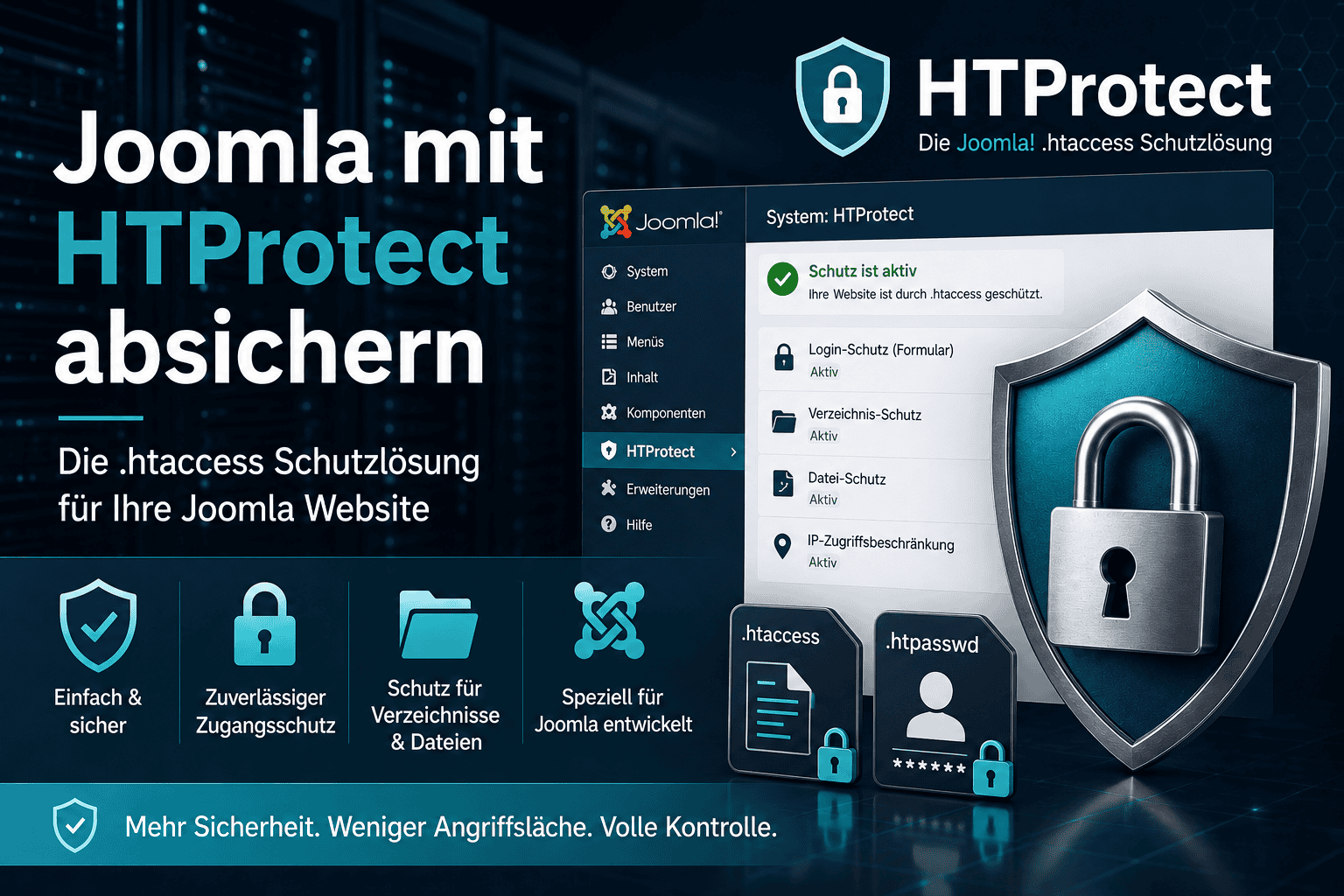
Transparency first: HTProtect is our own development - born from more than 3,000 cleanups of hacked websites since 2013. Every signature, every shield rule and every hardening measure comes from cases that were real and landed on our desk. And that is exactly why the approach is different from the three candidates above: not firewall or scanner or management - but everything together, with all protection features completely free.
What is included:
- Malware scanner with signatures, heuristics and crowd reports: finds web shells, backdoors, eval and base64 loaders, disguised JCE shells, SEO spam and defacement - in the file system and database, with bulk deletion and an integrated editor for infected core files. All details in the scanner article.
- Exploit shield (WAF) with live rules: blocks the currently active attacks on JCE, SP Page Builder, Helix3, Helix Ultimate, Astroid and Novarain - rule updates arrive automatically and are cryptographically signed.
- Hardening in just a few clicks: .htaccess in the root directory, PHP blocking for the upload folders, password protection for /administrator.
- Guard and security status indicator: alerts if .htaccess changes or new admin accounts appear, giving you an instant overview of the site's status.
- Vulnerable extensions: are detected and, if desired, securely updated automatically - before the next wave hits.
And then there is the point that none of the other three solutions answer as well: the htprotect.app Control Dashboard. Every Joomla site with HTProtect logs in there, and you get a central view across all sites: security status, scan results, vulnerable extensions, pending updates - without giving away the master key. No add-on product, no separate admin instance that you have to host and patch: the dashboard is part of the concept. Security extension and site management dashboard in one - that is the gap HTProtect fills.
The key facts: Joomla 2.5 through 6 (including the older legacy sites that are statistically hacked most often), PHP 7.4 to 8.5, no telemetry, no upload of your files to third parties.
To be honest: no tool detects 100 percent, not even ours - anyone who claims otherwise is selling snake oil. And yes, HTProtect is significantly younger than Admin Tools or RSFirewall. In return, findings from our daily cleanups flow directly back into signatures and shield rules - often on the same day a wave starts.
Why protection without visibility is only half the battle
The hacking waves of the past few weeks have made the pattern very clear: a vulnerability is made public, botnets scan half the internet within hours - and the decisive question is not "do I have a firewall?", but "which of my sites is running the vulnerable extension, and is it patched everywhere?". With traditional single-site extensions, you answer that by logging in. To every. Single. Site. With a central dashboard, you answer it in seconds - and patch directly from there. That is exactly why protection and management belong together in 2026 and not in separate products.
Conclusion: Which security extension is for whom?
Akeeba Admin Tools remains a good choice if you already have an Akeeba subscription and want granular WAF control on current Joomla versions. RSFirewall is the proven all-in-one package for a single site, if the subscription fits. Securitycheck Pro scores with its vulnerability database, but splits administration across add-on products.
For most Joomla sites - and certainly from the second one onward - HTProtect is our clear recommendation: full protection without a paywall, support for Joomla 2.5 through 6, vulnerable extensions are not just reported but securely updated, and the central dashboard is not an accessory but built in. Yes, this is our own tool - but you can verify the table above line by line.
Already hacked? Clean it up first, then secure it
Installing a security extension on an already infected site is like fitting a new front door to a house while the burglar is still in the basement. First the infection has to be removed - with a scanner or, if it is urgent, by us: We clean hacked Joomla sites professionally, including tracing the entry point. No hard sell - just to make sure the order is right.
Frequently asked questions
Which is the best Joomla security extension?
For most sites: HTProtect - all protection features are free, Joomla 2.5 to 6, vulnerable extensions are detected and securely updated, and the central htprotect.app dashboard is included. If you already have an Akeeba subscription and only need to secure a single current site, Admin Tools is also a good choice.
Can I run two security extensions in parallel?
We do not recommend it. Two firewalls filter the same requests twice, block each other with false positives, and write conflicting rules into .htaccess. A properly configured solution protects better than two incomplete ones.
Is a free security extension enough?
What matters is not the price, but whether signatures and firewall rules are kept up to date. A free extension with daily maintained live rules protects better than a paid one whose subscription has expired and no longer receives updates.
Does a security extension replace Joomla and extension updates?
No. Outdated extensions remain the main entry point - the security extension is the airbag, updates are the brakes. How the two work together is explained in the Securing Joomla guide.
What is the difference between a file change scanner and a malware scanner?
A change scanner reports that files have changed - it needs a clean baseline to do that. A malware scanner with signatures and heuristics can also detect malicious code on a site that was already infected before you installed the tool. For a cleanup, you need the latter - more on this in the scanner article.
Does HTProtect also run on older Joomla versions?
Yes, from Joomla 2.5 to 6 and on PHP 7.4 to 8.5. Older sites in particular benefit from this, because Admin Tools and RSFirewall no longer support them there, or only to a limited extent.
Questions or something unclear? Feel free to write it in the comments below the article.
- Details
- Last Updated: 31 July 2026
